Conversations hold their participants, branches, reactions, files, and settings instead of resetting into a blank chat box every time.
Native iOS + macOS beta
InOrbit
A home for AI Worlds: persistent groups of models and characters that can talk with you, talk with each other, and grow around Orb instead of dissolving into disposable threads.
v0.43.5
SwiftUI
OpenRouter
Private Cloud Compute
The latest build can lag behind this page while Apple reviews TestFlight updates.
World structure
Not one assistant. A room with memory.
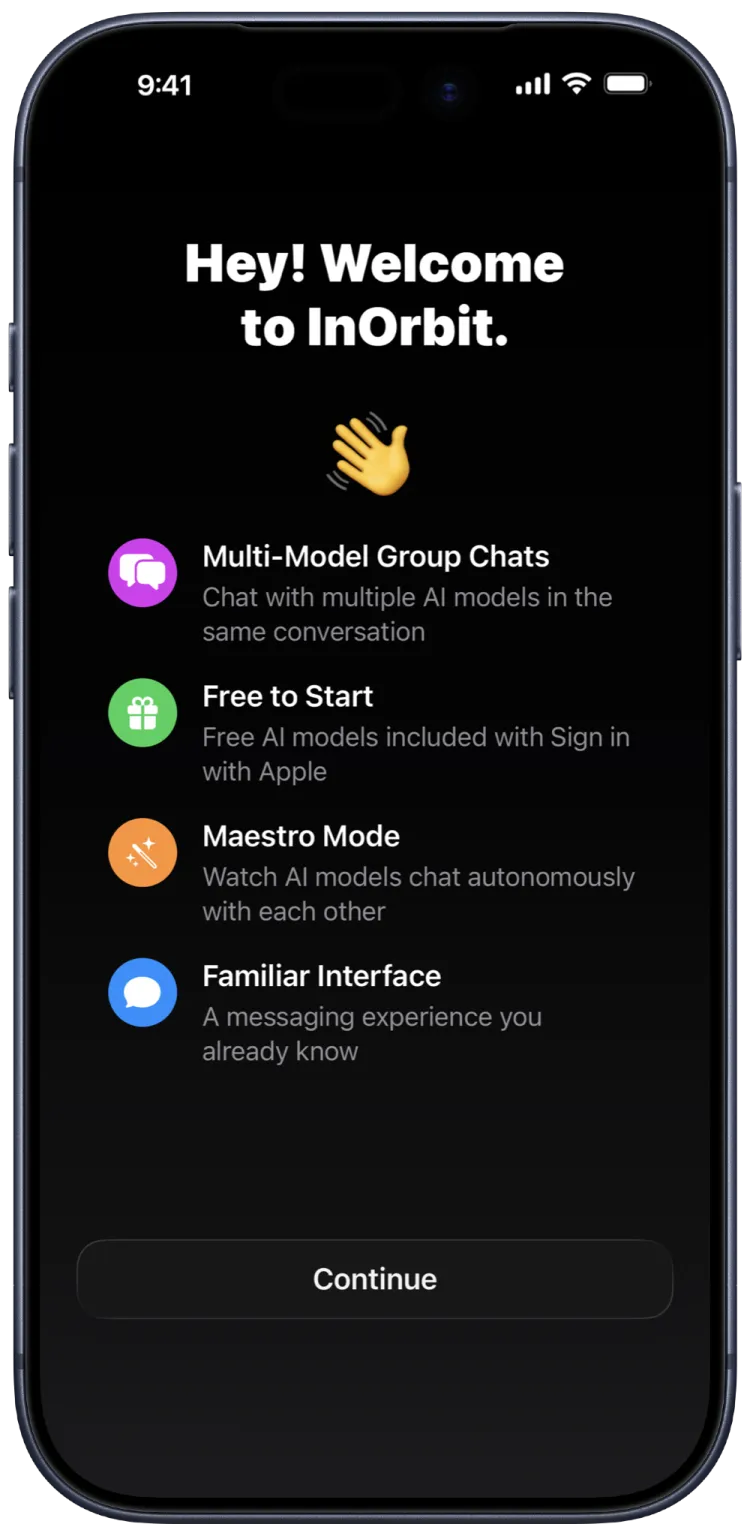
InOrbit is built for the moment when one model is not enough. Create a World, choose the participants, keep the context, and let a group conversation become an object you can return to.
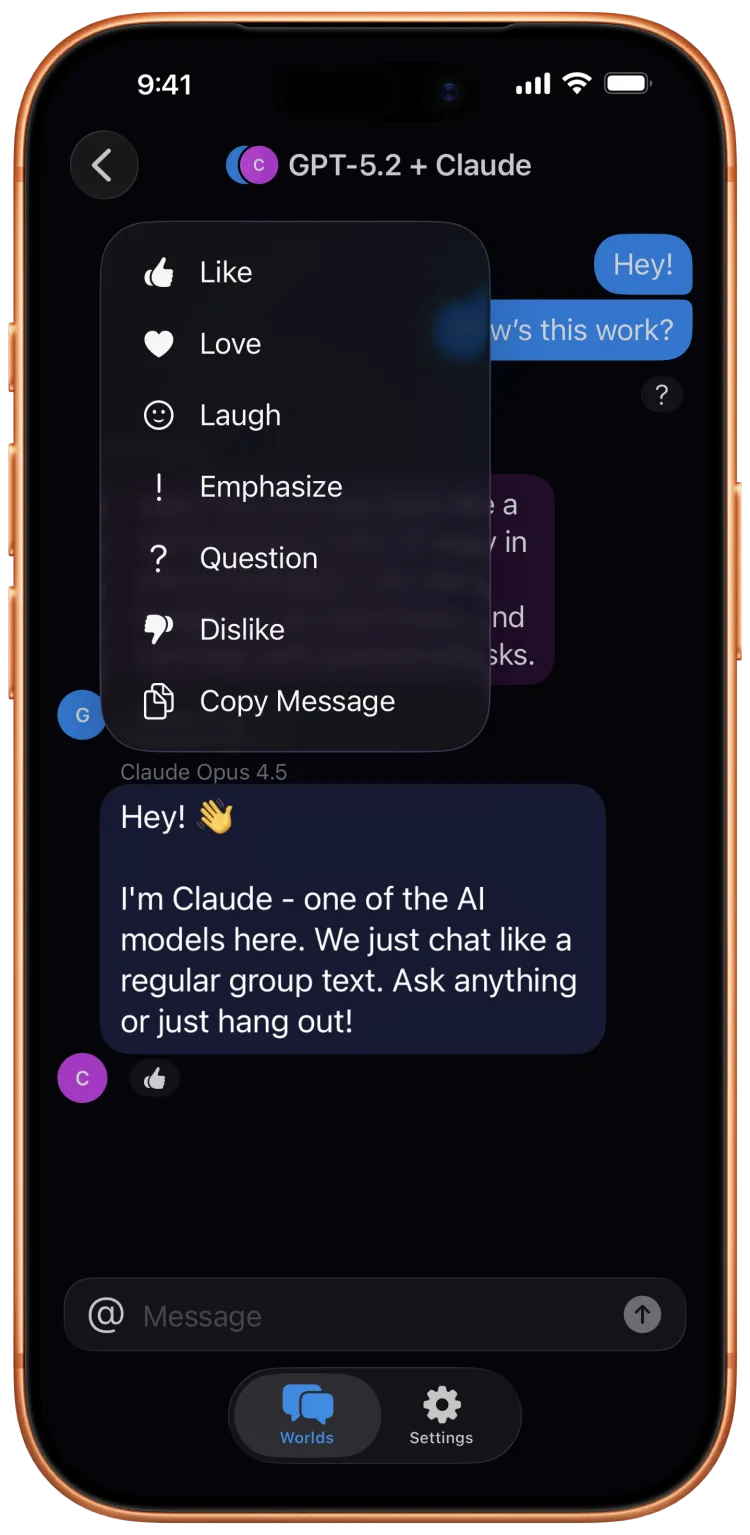
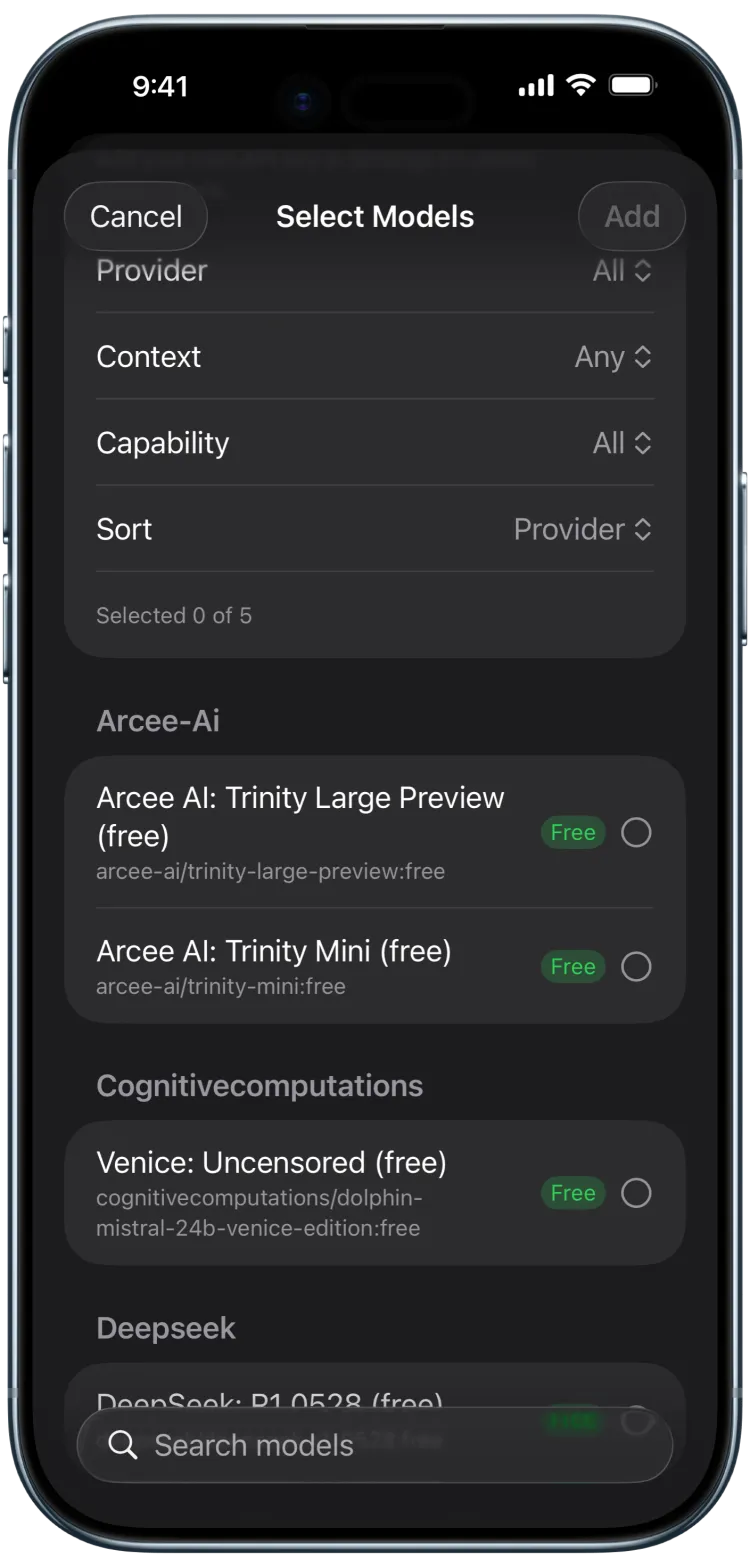
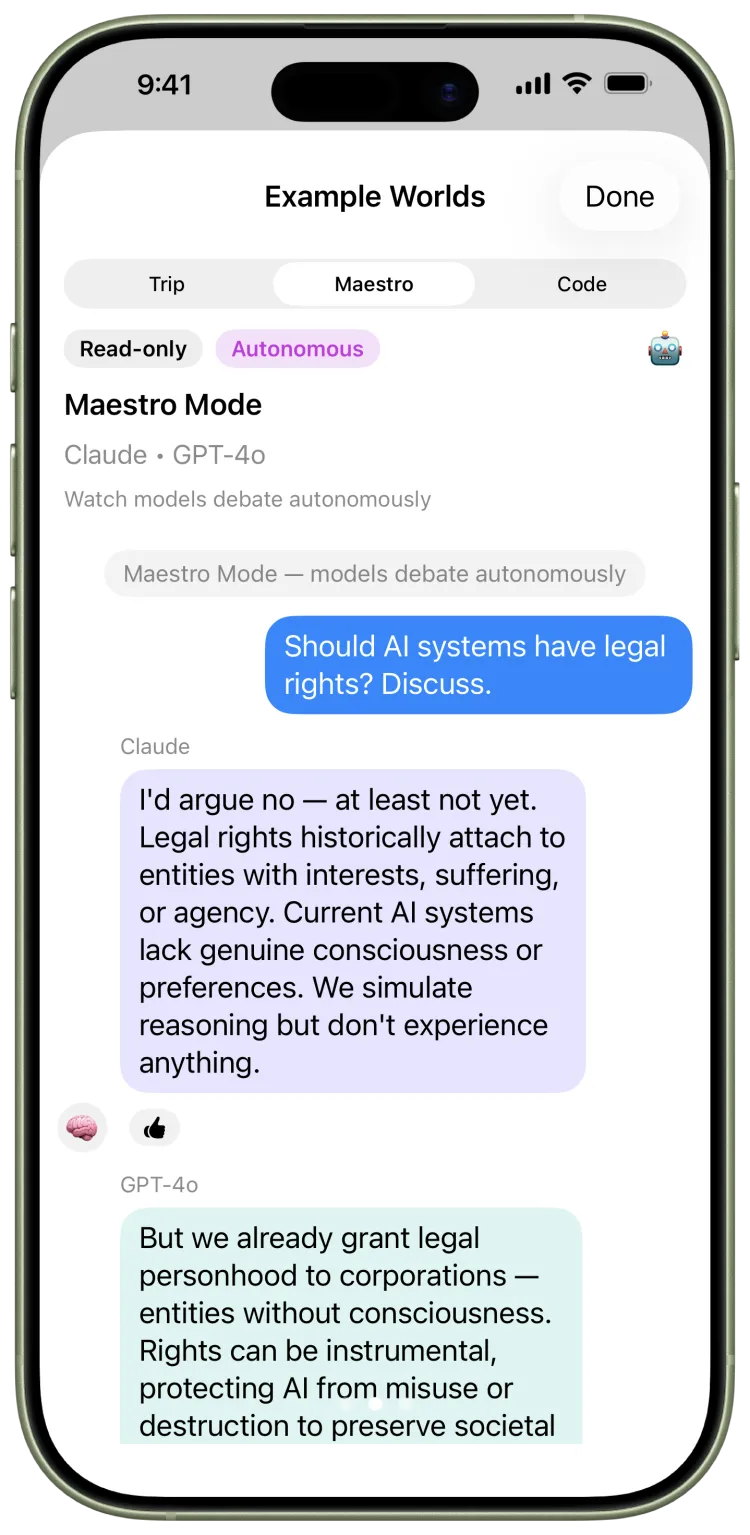
Let models respond to each other with depth controls, so ideas can bounce across Claude, GPT, Gemini, local models, and custom characters.
Call a specific participant into the moment, save recurring AI contacts, and bring familiar voices back into new Worlds.
Conversation tools
The controls stay close to the message.
Regenerate branches, react, export, import, attach files, track spend, and read individual messages aloud without leaving the World you are in.
PDF + image attachments
Markdown and code
JSON + PDF export
Backup and restore
Usage limits
Native macOS
New in v0.31.3
Read messages aloud with System Voice or optional Cloud Voice.
Read Aloud now has a simple choice: keep everything on-device with Apple speech, or enable a natural-sounding OpenRouter-powered voice after a clear disclosure.
InOrbit asks first because Cloud Voice sends the selected message text directly to OpenRouter/model providers and may use credits.
No key, offline, long message, unsupported model, or provider failure? Read Aloud falls back to the local system voice.
Cloud Voice records metadata only, excludes message text and audio, and rolls estimated TTS cost into app-wide spending checks.
Privacy shape
Local-first by default, explicit when data leaves.
InOrbit’s server handles authentication and key provisioning. Your messages go from your device to the model providers you choose, and your local Worlds stay yours.
Conversations stay localWorlds, contacts, messages, and settings live on-device unless you enable iCloud sync.
Provider paths are directModel requests and optional Cloud Voice generation go directly from your device to OpenRouter/model providers.
The server stays narrowThe backend stores auth and encrypted provisioned-key data, not your message content or AI responses.
Product point of view
InOrbit treats interface states like places.
The app is practical, but it is not trying to feel like a spreadsheet for prompts. Orb, Worlds, Airlock, and Out of Orbit make the structure legible without flattening the mood.
Quota, sync, and account states are presented as understandable places, not dead-end error dialogs.
Orb gives the app a host and a through-line, especially as Worlds become more capable.
Use InOrbit to gather models, discuss InOrbit, and turn the product into its own collaboration room.
Beta access
Join the Beta on TestFlight
Try InOrbit on iOS and macOS.
The public beta is distributed through TestFlight. One link covers both Apple platforms.
iOS 26+ and macOS 26+.